
Why is My Work Computer So Slow? 4 Quick Fixes You Can Try Right Now
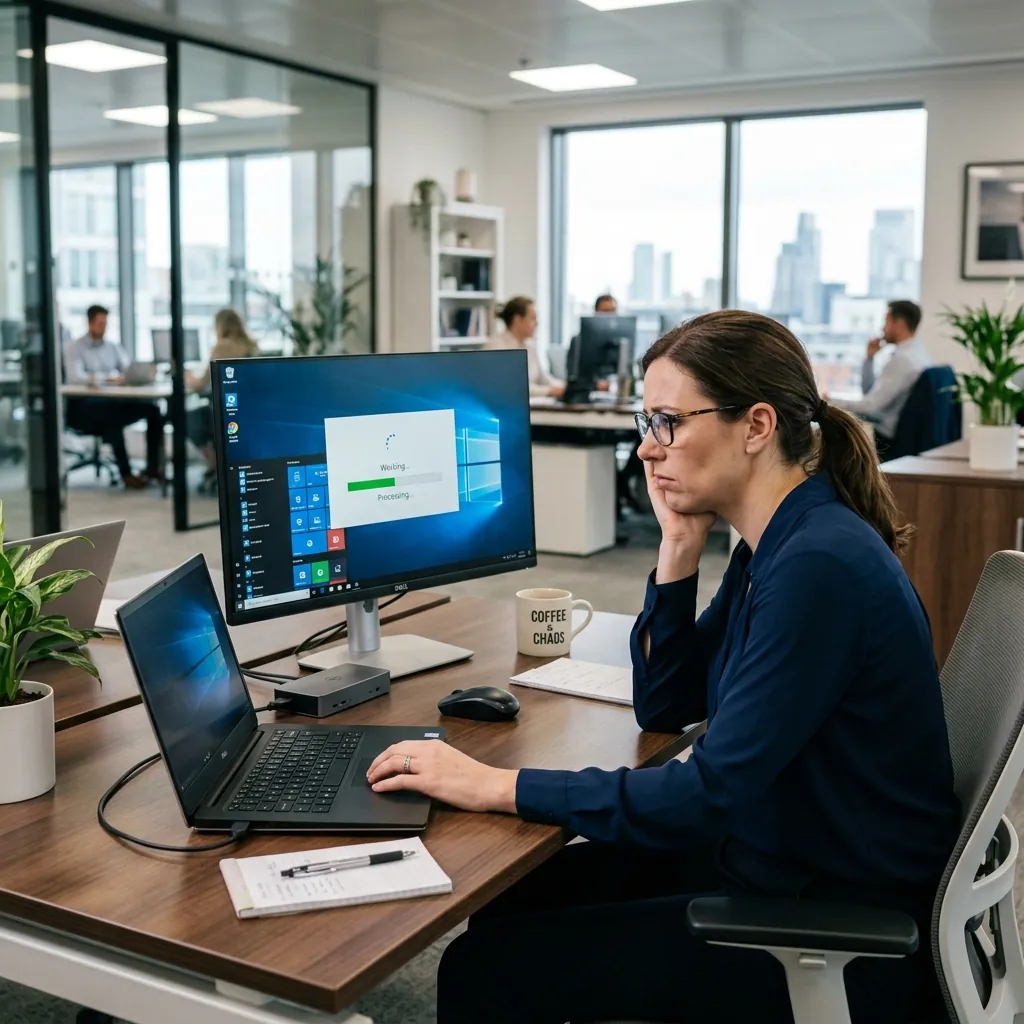
Is your work computer feeling sluggish? Try these 4 quick fixes to speed it up immediately, and learn when it's time to call in professional managed IT support.
There are few things more frustrating during a busy workday than a computer that suddenly decides to crawl. When you're trying to meet a deadline or jump on a video call, waiting for applications to load or dealing with a freezing screen can derail your productivity entirely.
Before you assume your PC is on its last leg, here are four quick fixes you can try right now to speed up your work computer.
1. Restart Your Computer (Seriously)
It sounds like a cliché, but "turning it off and back on again" is still the most effective first step for any tech issue. When you leave your computer running for days or weeks at a time, background processes and tiny memory leaks start to pile up. A restart clears the system's active memory (RAM), stops rogue background tasks, and gives the operating system a clean slate.
Pro Tip: Make sure you actually select "Restart" from the power menu, not "Shut Down." In modern versions of Windows, shutting down puts the computer into a fast startup state that doesn't completely clear out the memory footprint.
2. Check for Resource-Hogging Apps
Sometimes a single application is secretly eating up all of your computer's processing power or RAM.
- On Windows: Press
Ctrl + Shift + Escto open the Task Manager. Click "More details" at the bottom if you only see a short list. Click the top of the "CPU" or "Memory" columns to sort by what's using the most power. If you see an app you aren't using taking up a massive chunk of resources, you can right-click it and choose "End Task." - On Mac: Open the "Activity Monitor" (you can find it via Spotlight search). Check the CPU and Memory tabs to see if an application is hogging your resources.
3. Clear Your Browser Cache and Tabs
If your computer only feels slow when you are surfing the web or using cloud-based applications like Microsoft 365, your browser might be the culprit.
Having twenty tabs open is incredibly hard on your computer's memory. Close the tabs you aren't actively using. Furthermore, clearing your browser's cached images and files can sometimes resolve weird bugs and slowdowns.
To do this in Google Chrome or Microsoft Edge, press Ctrl + Shift + Delete and select "Cached images and files" to clear.
4. Check for Updates
Putting off system updates might save you five minutes today, but it can cost you hours in lost productivity tomorrow. Operating system updates often include critical performance patches and bug fixes.
Whether it's a Windows Update, a macOS update, or a driver update for your hardware, take the time to run them. Ensure your essential applications are also up to date.
When to Call the Professionals: The Limits of DIY
If you've tried the steps above and your computer is still painfully slow, you are likely dealing with a deeper, systemic issue. Persistent slowness can be a symptom of:
- A failing physical hard drive (especially older HDD models)
- Hidden malware, ransomware, or cryptojacking software operating in the background
- Insufficient network bandwidth or misconfigured network infrastructure
- An operating system that needs a complete wipe and reinstall
Why Managed IT is the Better Choice
Attempting to diagnose and fix deep-seated hardware or security issues on your own is a massive waste of your valuable time. As a business professional, your time should be spent growing your business—not playing amateur IT technician.
When you partner with a Managed IT Service Provider (MSP) like eSmith IT Consulting, these problems are caught before they affect your workday. Through proactive tracking and advanced 24/7 monitoring tools, a professional IT team can:
- Identify incoming hardware failures and replace components before they break.
- Monitor resource spikes instantly and troubleshoot remotely.
- Ensure military-grade cybersecurity is stopping malware before it ever installs.
- Manage all system updates silently in the background, after hours, so your work is never interrupted.
Stop Wasting Your Day on Computer Problems
A slow computer isn't just an annoyance; it is an active drain on your company's payroll and productivity.
If your team is constantly fighting their technology, it's time to bring in the experts. Reach out to eSmith IT Consulting today to learn how our comprehensive managed IT and cybersecurity services can keep your business running smoothly, securely, and happily.

About the Author
Kevin Smith
With over 25 years of verifiable IT experience across the Carolinas, Kevin Smith is an industry-recognized expert in Microsoft Cloud deployment, disaster recovery, and HIPAA compliance. As the President of eSmith IT Consulting, establishing secure enterprise infrastructure isn't just theory—it's his daily practice.